Transforming foley sound effects into rhythmic samples involves carefully recording everyday objects, editing them to isolate percussive elements, and then processing them with effects like EQ, compression, and reverb within a Digital Audio Workstation (DAW) to create unique, organic rhythmic patterns suitable for music production. This creative process leverages ambient textures and mundane sounds to craft distinctive sonic palettes that add a unique character to any musical composition. When focusing on sound design with everyday objects, the possibilities for unique tracks are endless.
The Foundational Art of Capturing Foley Sounds for Rhythm
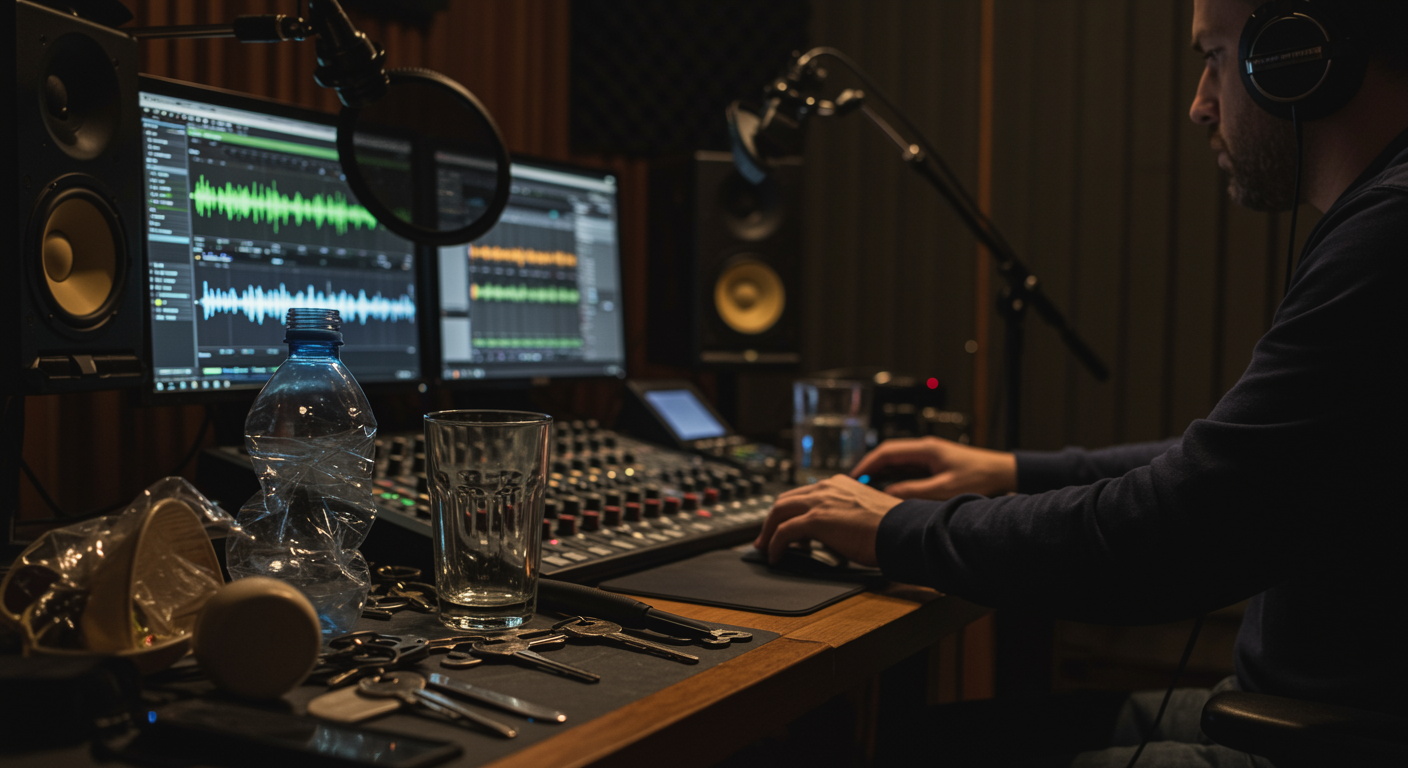
The journey into rhythmic sampling with foley begins with meticulous sound capture. Mastering Field Recording Techniques is crucial for capturing the raw elements needed. Unlike traditional foley for film, where realism is paramount, rhythmic foley seeks out sounds with inherent percussive qualities or interesting textural elements that can be manipulated. Focus on objects that produce sharp attacks, distinct resonances, or interesting decay characteristics. Consider items like cutlery dropping, keys jangling, footsteps on various surfaces, rustling fabric, tapping on glass, or the unique sonic signature of a crumpled plastic bottle. Experiment with different microphones and recording environments to capture the cleanest possible sound, minimizing unwanted background noise. A close-mic technique often yields the best results for isolating the specific impact or texture you wish to transform.
Understanding the acoustic properties of your recording space is crucial. A dry room with minimal reflections can be ideal for capturing foley that you intend to heavily process and place within a mix, as it offers more control over the sound’s ambience later. Conversely, a space with natural reverb can impart a unique character if that’s your desired aesthetic. Recording multiple variations of the same sound—tapping an object lightly, hitting it harder, dragging it—provides a richer palette of textures and dynamics to work with during the sampling phase. Pay attention to the transient punch and the overall tonal quality of each captured sound, as these will form the building blocks of your rhythmic sequences.
Shaping Everyday Noises into Distinct Percussive Elements
Once you have a collection of raw foley recordings, the next step is to transform these everyday noises into usable rhythmic samples. This process primarily involves detailed audio editing within your DAW. Start by isolating the desired transient or impact from each recording, trimming away any silent lead-ins or lingering tails that aren’t contributing to the percussive sound. Precision is key here; even a few milliseconds can affect the tightness of your eventual rhythm. Techniques like noise reduction can be applied sparingly to clean up any residual room tone or hum, but be cautious not to over-process and strip away the organic character of the foley.
Further shaping involves adjusting gain, applying subtle equalization to enhance specific frequencies (e.g., boosting lows for kick-like sounds or highs for crisp hi-hats), and using gates to tighten up transients even further. Consider reversing certain foley elements for unique effects or stretching/compressing time to alter the sound’s duration without changing pitch, creating interesting textures. To explore more advanced sample stretching techniques, refer to our comprehensive guide. The goal is to make each foley snippet a standalone, impactful percussive event, ready to be mapped to a sampler or sequenced directly. Don’t be afraid to experiment with extreme processing at this stage; sometimes, an initially unpromising sound can become incredibly unique with the right manipulation.
Innovative Sampling Strategies for Dynamic Foley Beats
With your foley elements meticulously prepared, the true rhythmic transformation begins through creative sampling. Load your processed foley snippets into a sampler within your DAW, assigning them to different pads or keys. This allows for immediate playback and experimentation. A common strategy is to layer multiple foley sounds to create a single, more complex percussive hit. Understanding how to effectively use layering audio samples can significantly enhance your beats. For example, combining a door slam’s low-end impact with the crispness of a pen click can yield a powerful, unique snare drum sound. Experiment with the relative volumes and start times of these layers to achieve optimal sonic cohesion and impact.
Beyond simple one-shots, explore slicing longer foley recordings (e.g., footsteps, continuous rustling) into smaller, rhythmic segments using beat slicers or granular synthesis tools. These can then be rearranged, re-pitched, and sequenced to form intricate, evolving patterns that wouldn’t be possible with static samples. Mapping different foley sounds across your keyboard or controller provides a tactile and intuitive way to “play” your foley drum kit, allowing for more dynamic and improvised rhythmic creation. Consider using velocity sensitivity to bring expressiveness to your foley beats, mimicking the natural dynamics of a live drummer. Automation of parameters like pitch, filter cutoff, or decay time over the course of a phrase can also add significant rhythmic interest and movement.
Integrating Foley Rhythms into Music Productions
Successfully weaving foley-derived rhythms into your existing musical compositions requires careful consideration of context and mix. These unique percussive elements often possess an organic quality that can either blend seamlessly or provide a striking contrast to electronic or acoustic drums. Start by placing your foley rhythms within your track, listening for how they interact with other instrumental parts. Sometimes, a subtle foley loop layered beneath a conventional drum beat can add an intriguing textural depth without being overtly noticeable. Other times, the foley can take center stage, driving the rhythmic pulse entirely.
When mixing, treat foley percussion similar to any other drum element, but with an emphasis on preserving its unique sonic character. Use EQ to carve out frequencies, preventing clashes with other instruments, and compression to control dynamics and add punch. Reverb and delay can be applied to place the foley in a cohesive space with the rest of your mix, but be mindful not to muddy its distinctive textures. Sidechain compression, triggered by your main kick or snare, can also help your foley elements “breathe” within the mix. Experiment with panning to create a wider stereo image, giving each foley sound its own space and contributing to an immersive rhythmic experience that captivates the listener.